From Your System to the Cloud
Imagine you’ve built a brilliant new web application. It runs flawlessly on your laptop. But now comes the harder question: how do you make it available to the world?
This is the central problem of application deployment, one that has evolved dramatically over the last two decades. In the past, teams bought and managed physical servers — a slow, capital-heavy, and inflexible process. Today, cloud providers like AWS, GCP, and Azure offer abstraction layers that let you focus less on hardware and more on your code.
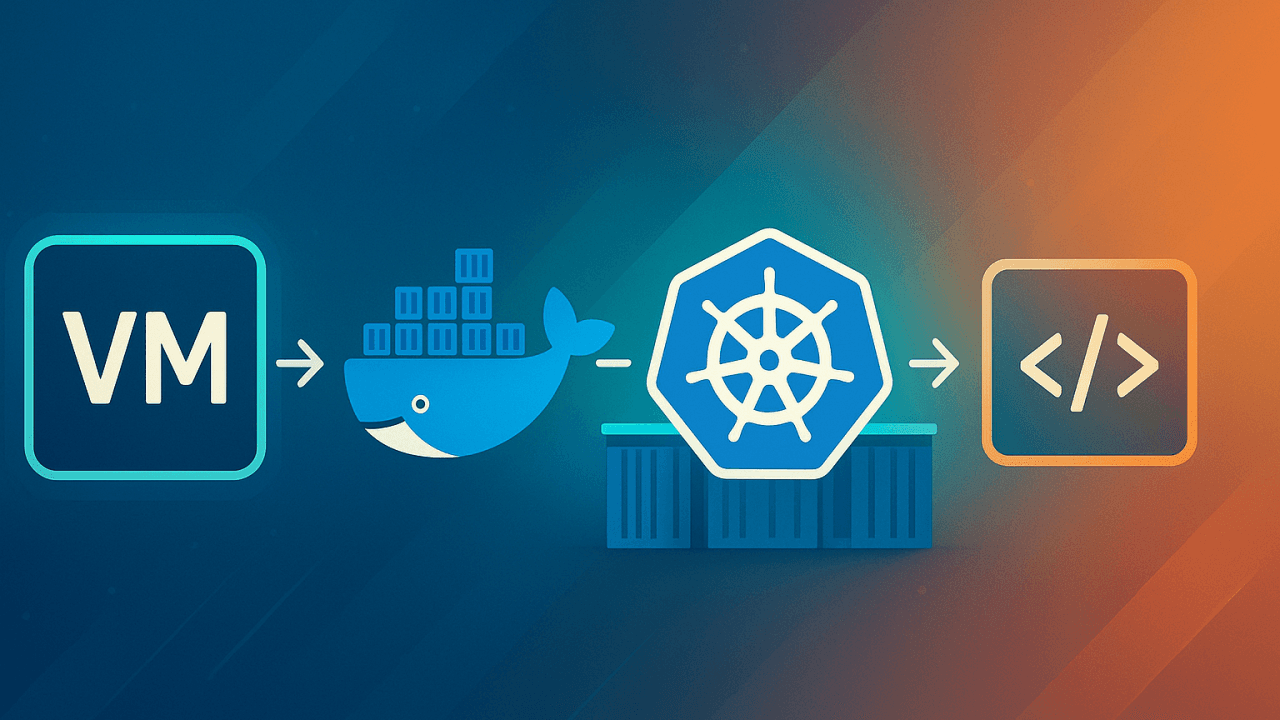
Broadly, there are three primary ways to package and run your applications in the cloud: Virtual Machines, Containers, and Serverless Runtimes. Each represents a step in the journey toward higher abstraction and efficiency.
Virtual Machines: The Starting Point
A VM is essentially a full emulation of a physical computer — complete with its own operating system (OS), CPU, memory, and storage. A single physical host can run many VMs, each isolated from the others.
Before the rise of microservices and rapid deployment, Virtual Machines (VMs) were the default way to run applications in the cloud.
Cloud providers still offer VMs as their most fundamental compute service:
AWS offers Amazon EC2 (Elastic Compute Cloud), where you launch instances based on Amazon Machine Images (AMIs).
GCP offers Google Compute Engine (GCE).
Azure offers Azure Virtual Machines.
Instance types (e.g., AWS’s t3.micro vs. c5.4xlarge) let you tune CPU, memory, and networking for your workload. You get full control over the OS and software stack — great for workloads that need custom environments.
Tradeoff: That control comes at a cost. VMs are heavy, slow to boot, and resource-inefficient compared to newer options. If you need fast scale-up or scale-down, VMs often lag behind.
Containers: No more "it works on my machine" (mostly)
The limitations of VMs drove adoption of containers.
A container packages an app and all its dependencies into an isolated unit. Unlike VMs, containers share the host OS kernel, which makes them dramatically lighter and faster. You can spin up thousands of containers in seconds.
Instead of having a full OS for each instance, containers run on a shared kernel, making them incredibly lightweight, portable, and fast to start.
Think of it like this: a VM is a house with its own foundation, walls, and plumbing, while a container is an apartment within a building. The apartment shares the building's foundation and common utilities but is completely separate from other apartments. This shared-resource model allows for much more efficient resource utilization.
This efficiency underpins microservices architectures and modern DevOps practices.
A key player in this container revolution is Docker.
Docker: Standardizing Containers
Docker is an open-source platform that standardizes how applications are packaged and distributed using containers. It lets you define the environment (libraries, dependencies, config) alongside your application code using a Dockerfile. From this file, Docker builds an image - a blueprint containing everything needed to run the app.
When this image runs, it becomes a container.
Because the container includes the full runtime context, it behaves consistently across environments — solving the classic “it works on my machine” problem (for the most part) because the containerized application will behave identically in any environment where Docker is installed, from a developer's laptop to a cloud server.
Docker builds images in layers, allowing shared caching between images. This reduces build times and storage — a key performance optimization. Advanced Docker topics like volume mounts for persisting data outside containers, multi-stage builds to reduce image size by separating build and runtime dependencies, and caching strategies offer further optimization, depending on your deployment needs.
While Docker makes it easy to create and run a single container, what happens when you need to run hundreds or even thousands of them? This is where container orchestration comes in, and the industry standard for this is Kubernetes (often abbreviated as K8s).
Kubernetes: Container Orchestrator
Kubernetes is an open-source system that automates the deployment, scaling, and management of containerized applications. It acts as a conductor for your containers, ensuring that your application is always running smoothly.
Imagine you're managing a fleet of delivery trucks (your containers). Docker provides you with the standardized trucks and the ability to load them. However, you'd need a dispatcher to manage the entire fleet: to decide which trucks go where, to replace a broken truck with a new one, to add more trucks during a busy season, and to ensure all trucks are working.
Kubernetes is that dispatcher. It groups containers into logical units called Pods, schedules them to run on available machines (Nodes), performs automatic rollouts and rollbacks for updates, and provides a way for containers to communicate with each other. This level of automation is what enables the massive scale and resilience of modern cloud-native applications.
But K8s adds operational complexity and it has a bit steeper learning curve. And cloud providers try to reduce that pain by providing managed services.
Containerization in Cloud
AWS offers several container services, most notably Amazon EKS (Elastic Kubernetes Service) and Amazon ECS (Elastic Container Service). ECS is AWS's own container orchestration service, which is simpler and deeply integrated with the AWS ecosystem.
GCP also offers GKE (Google Kubernetes Engine) for using Kubernetes and Cloud Run for deploying individual containers.
Azure offers AKS (Azure Kubernetes Service).
Serverless: Somebody else's server
For certain types of applications—specifically, small, event-driven functions—even containers can be overkill. This is where runtimes come into play through a concept known as Serverless Computing.
A runtime is a language-specific environment (e.g., Node.js, Python, Java) that executes your code. In a serverless model, you simply upload your code, and the cloud provider handles everything else: provisioning a machine, providing the runtime environment, and scaling the function based on demand. You don't have to think about servers, VMs, or even containers.
AWS offers AWS Lambda.
GCP offers Google Cloud Run Functions
Similarly, Azure offers Azure Functions.
Serverless functions are triggered by events, such as an HTTP request, a file upload to an S3 bucket, or a message in a queue. You only pay for the compute time your code uses, down to the millisecond.
Runtimes are ideal for stateless, short-lived, event-driven tasks like processing data from a database, resizing an image after a user uploads it, or handling API requests for a simple backend.
But serverless isn't a free lunch. Cold starts (delay when a function is invoked after being idle), limited execution time, and observability challenges can complicate performance tuning and debugging.
Conclusion
The journey from a local application to a global-scale service is now relatively simple, thanks to cloud providers like AWS, Azure and GCP.
The problem of getting your code to run reliably and at scale has been solved through different levels of abstraction. While Virtual Machines offer the most control and isolation, Containers provide a more agile and efficient alternative, and Runtimes represent the peaks of abstraction and cost efficiency for event-driven tasks.
The choice depends on your specific needs, but a modern developer now has great tools to deploy their applications, no longer worrying about the physical hardware but instead focusing on what they do best: writing great applications.
Food for Thought
While the cloud offers scalability and agility, it's not the ideal solution for every problem. The convenience of "pay-as-you-go" can lead to unpredictable costs, and the most cutting-edge technologies aren't always the most efficient for your specific use case.
Some organizations with predictable, high-volume workloads have found that the long-term cost of public cloud services exceeds the cost of managing their own data centers. This has led to a trend known as cloud repatriation.
Similarly, even within cloud, there are tradeoffs. For example, adopting a serverless architecture, while good for some applications, can become expensive and complex for certain types of workloads.
In 2016, Dropbox moved a significant portion of its data storage from AWS back to its own on-premises infrastructure to gain more control and reduce costs. You can read more about their decision and the technical details of their move here:
The Amazon Prime Video team detailed their decision to re-architect from a serverless, microservices-based system to a monolithic application, which resulted in a 90% cost reduction. You can find the summary of their case study here:
So, how do you decide?
Use VMs when you need full OS control, custom environments, or legacy workloads.
Use Containers for microservices, DevOps pipelines, and scalable web apps.
Use Kubernetes when you need container orchestration at scale and can afford the operational complexity.
Use Serverless Runtimes for event-driven, stateless, bursty workloads where cost and simplicity matter more than control.
Each layer of abstraction trades control for convenience.
Modern developers don’t have to worry about racking servers in a datacenter anymore but they do need to think critically about which cloud model actually fits their application. Because convenience at the wrong scale can be more expensive than running your own servers.